HomeUse case · Research
Reading is only half of research. This script is about what survives after the tab is closed.
This script uses capabilities that ship today — reading, extraction, capture and memory. It describes what the tools do, not what a researcher achieved with them.
The script, step by step
Collect
Bring the material in
Pages, documents and screenshots enter the workspace as captured items, with the original kept next to whatever was extracted from it.
captured item · source retained
Read
Turn a page into text you can work with
The reader extracts the readable content, so the material can be quoted and checked rather than summarised away.
extracted content
Extract
Pull text out of what is not text
Screenshots and scanned documents go through OCR, and the recognised text stays attached to the image it came from.
OCR result · linked to source
Keep
Decide what is worth remembering
Findings become durable memory with their source recorded, surfaced later when a task needs them rather than injected into everything.
memory entry · source recorded
Reuse
Make the reading repeatable
When the same collection has to happen again, the steps become a workflow that can run on a schedule and report what it found.
workflow · scheduled run
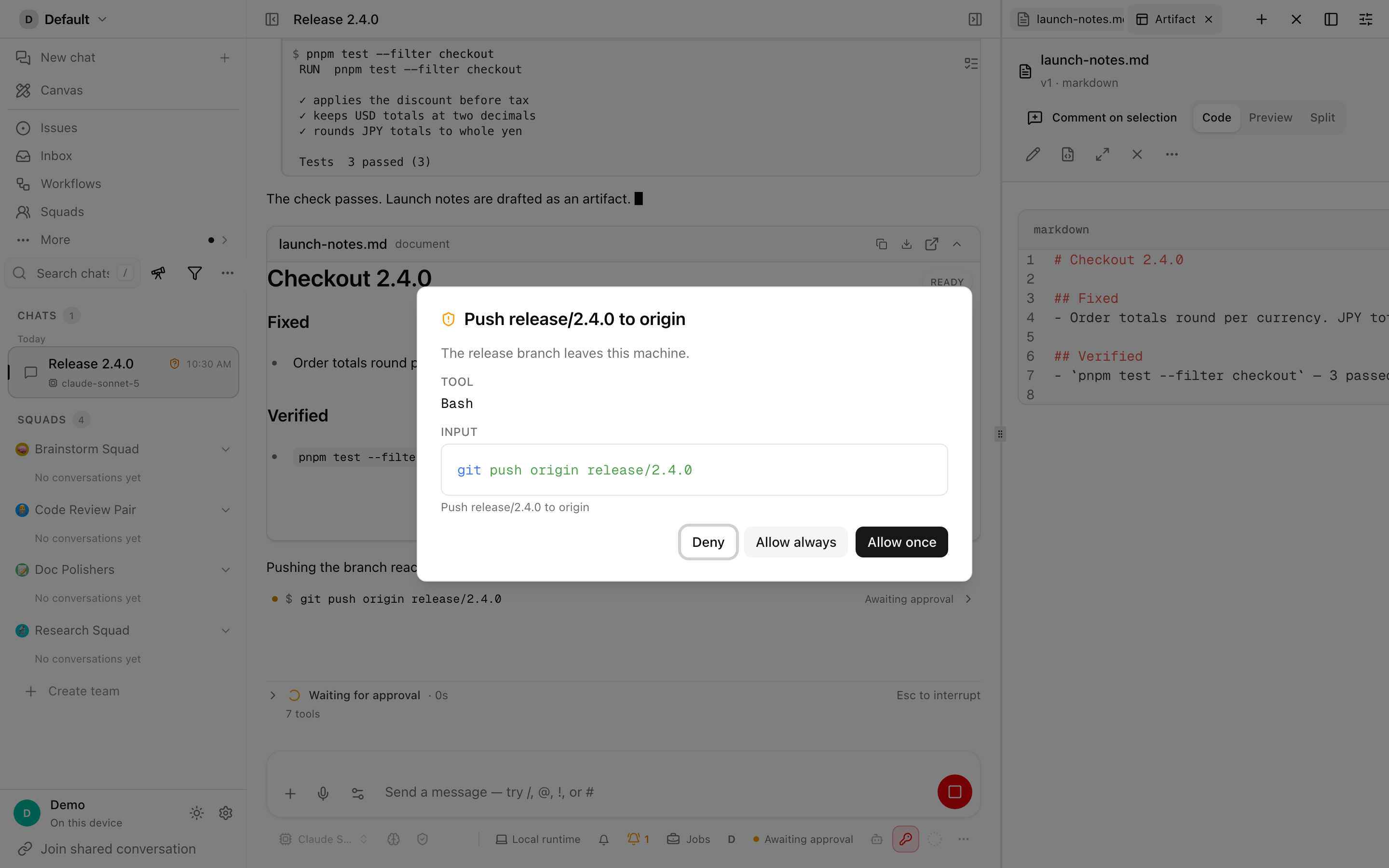
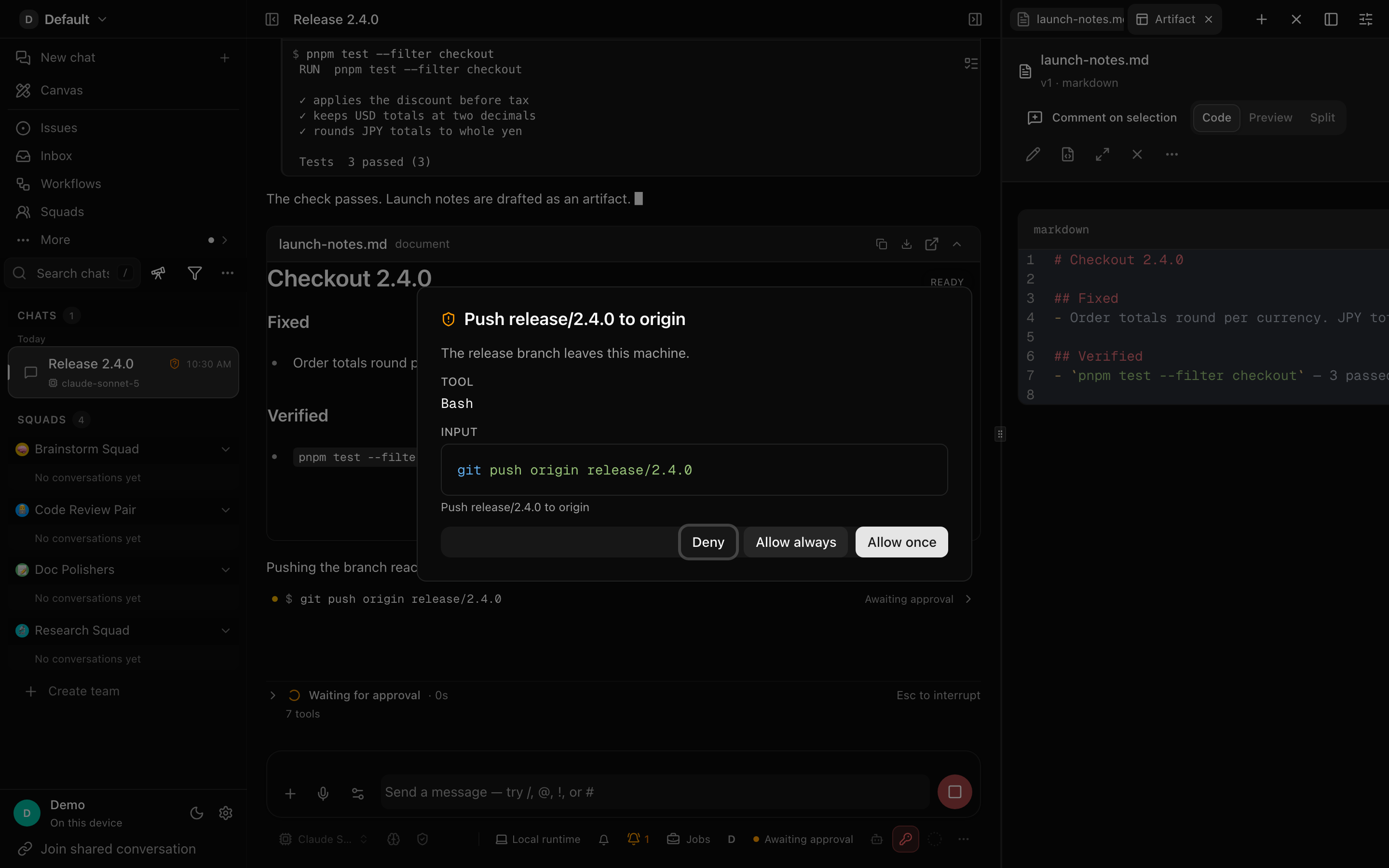
Cognia keeps the original material, the extraction, the memory, and the repeatable collection path connected instead of collapsing them into one answer.
Source-preserving capture
Bring in pages, documents, and screenshots as workspace items while retaining the origin next to derived text and notes.
Source · snapshot · provenance
Read the docsOCR and extraction
Route images and scanned pages through local or configured OCR providers and keep recognized text attached to its source.
Images · PDFs · recognized text
Read the docsSearchable memory
Promote selected findings into durable memory with provenance, then retrieve them when a later task makes them relevant.
Memory · retrieval · provenance
Read the docsRepeatable collection
Turn the collection path into a visual workflow, schedule it, and inspect each run without rebuilding the research procedure.
Workflow · schedule · run history
Read the docs
Every capability in the script above, and where it is documented.
Knowledge capture
Getting pages, documents and screenshots into the workspace with their origin intact.
Read the docsOCR
Recognising text in images and scans, kept attached to the source.
Read the docsLong-term memory
Durable notes with provenance, retrieved when relevant.
Read the docsWorkflows
Turning the collection pass into something that runs again on its own.
Read the docs
Try it
Clone the repository and build the desktop app. Every part this page names is documented in full.
No installer has been published yet. The build is public and reproducible — clone the repository and run the desktop build, or watch releases to be notified when the first one ships. Watch releases